Most patchy WiFi isn't a router problem — it's a coverage problem. Double-storey homes, open-plan offices and thick concrete walls all need more than one access point to actually work.
We survey the space, place access points where they'll do the most good, and configure one seamless network rather than three separate WiFi names you have to switch between as you walk around.
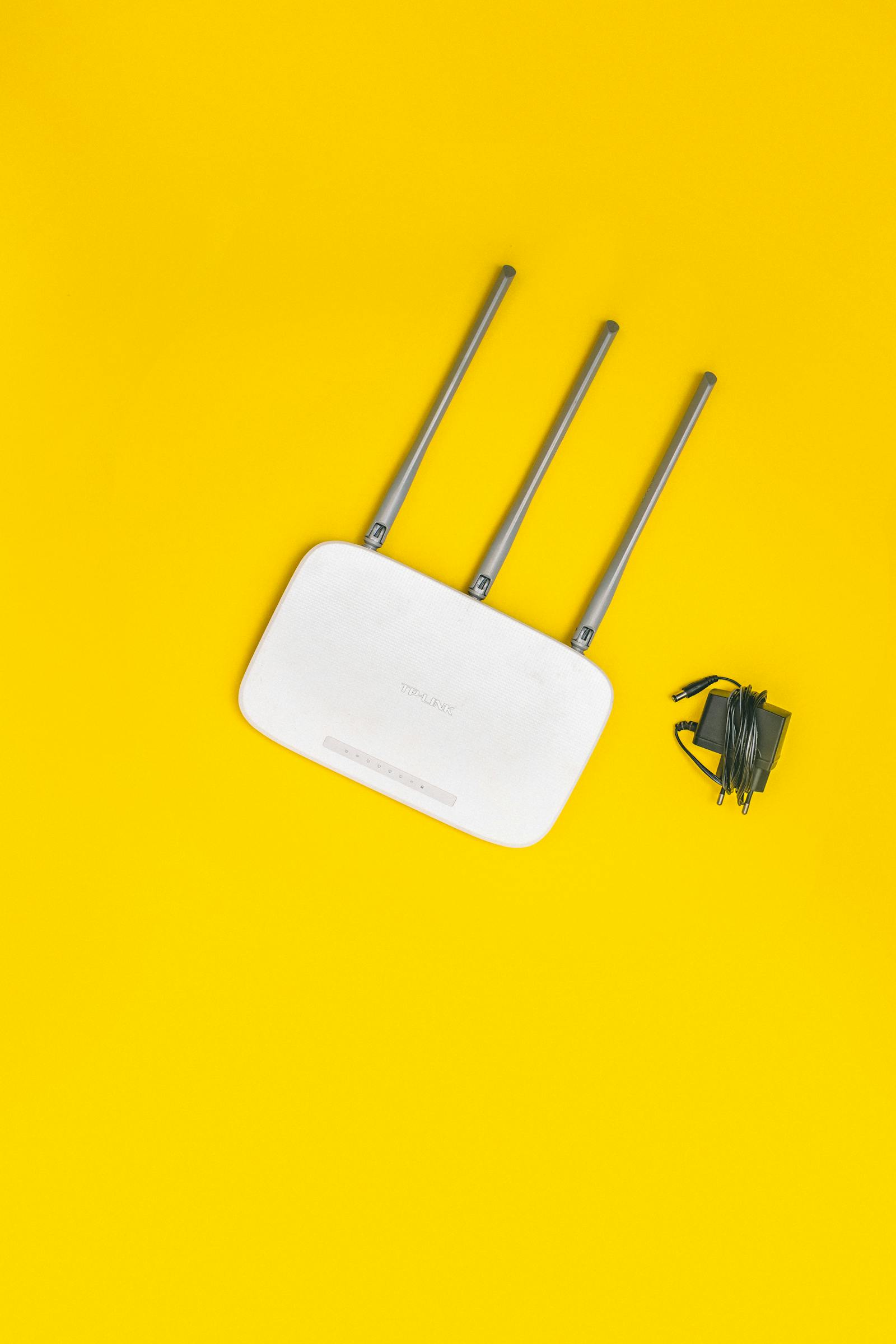
We check signal strength room by room to find dead zones before deciding how many access points you need.
Consumer mesh kits for homes, or managed enterprise access points for offices and larger properties.
A separate guest WiFi that can't see your main network, with its own password and controls.
Content filtering and device scheduling set up on request for family networks.
Channel and band configuration so performance doesn't collapse when many devices connect at once.
Key access points wired into UPS backup so WiFi survives short outages, not just the router.
We measure signal across the property to identify exactly where coverage fails.
A quote covering the right number of access points and where they'll be mounted or cabled.
Access points cabled or mesh units placed, one network configured across all of them.
We test coverage room-by-room with you and hand over the network name, password and any app needed.
Mesh kits work well for most homes. Larger properties, thick walls or business-grade reliability usually do better with cabled, PoE-powered access points — we'll recommend based on the survey, not by default.
Often yes, by adding one or two properly placed access points rather than replacing existing equipment that's working fine.
With a UPS on your router and key access points, yes, for the duration of the battery. We can size this during installation.
Yes, we set up a separate guest network with no visibility into your main devices or files.
Send us your area and rough scope on WhatsApp for a free, itemised quote.